With a smart fridge, payment is handled by settings on the fridge itself, with no separate terminal. The same fridge can have everyone pay per product, give the night shift a free meal or make water free. Below: how people open the fridge, who can pay for what and which choices you make as an employer.
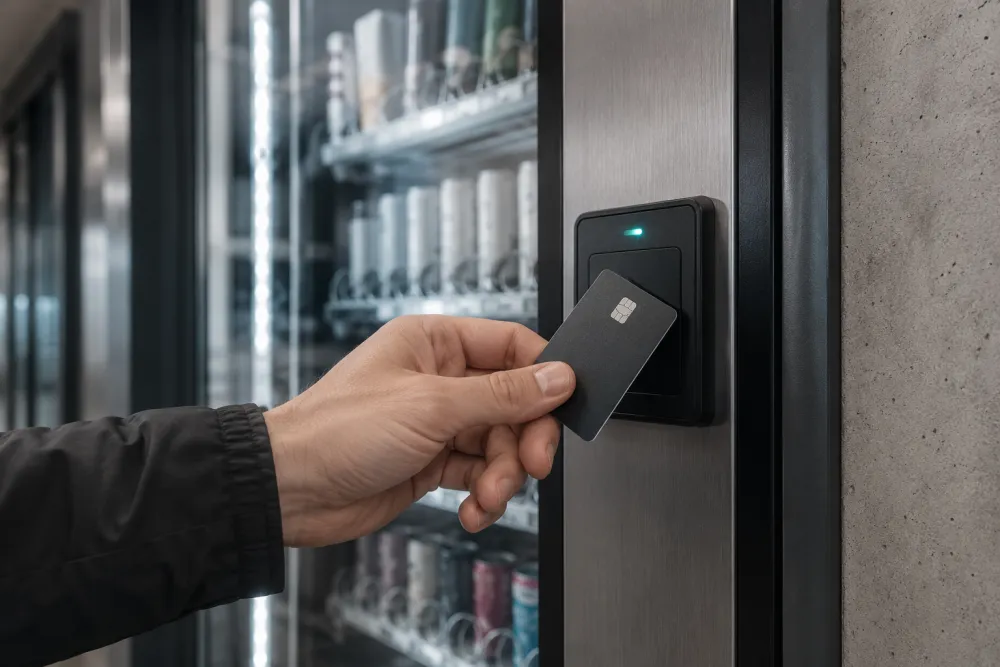
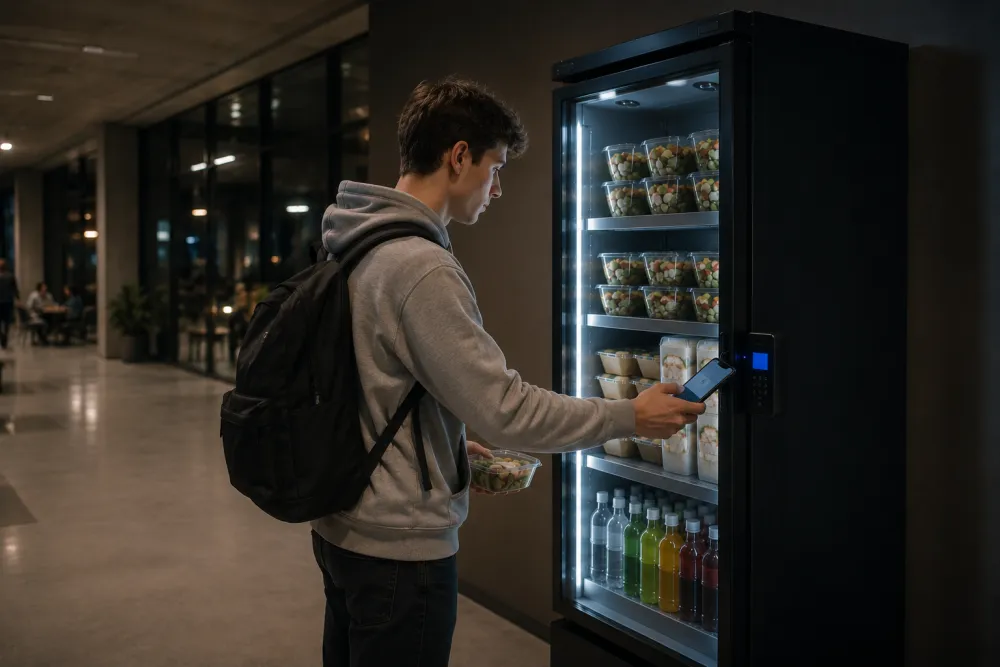
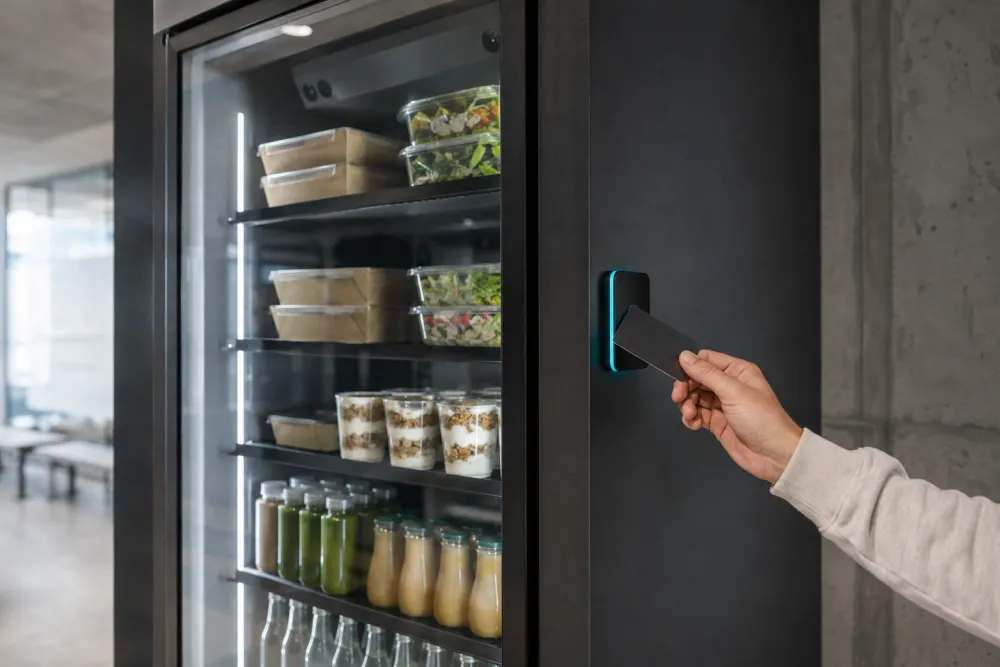
The fridge opens after payment or identification. In practice that means three things: a bank card at the reader, the app, or your own company badge if you link access to it. That link is optional.
With a bank card, anyone on site can buy something: the driver waiting, the outside technician, the agency worker starting today. How not to forget that last group is covered under food for agency workers. With a badge you keep the fridge for your own people and can set a subsidy or budget per person.
All the options below are settings on the same fridge. They are not mutually exclusive: free water with everything else paid for is common.
| What it takes from you | What it does | Watch out | |
|---|---|---|---|
| Employee pays for everything | Nothing | The fridge works like a shop on site | Does not work as a perk |
| Subsidy per product or group | A choice of products | Steers towards, for example, fresh meals | Make clear what is covered |
| Budget per employee | Badge link | Each employee has a fixed amount | Anyone without a badge is left out |
| Certain products free | A list: water, fruit, a night meal | Low threshold, everyone sees it | Free items go faster |
| Everything free | The full budget | Maximum uptake | More uptake and more unsold stock |
Why you might offer food as a perk, and what to have checked first, is covered under food as an employee perk.

Open access by bank card is usually exactly the point on sites with lots of outsiders: nobody has to be registered and there is no admin. If you still want to limit the fridge to your own people, it can be linked to your badge. In a building with a badge zone, such as a residence, the fridge is best placed inside that zone.
If you buy, rent or lease the unit, you also set the prices: cost price, a margin or free for staff, and you can change that whenever you like. What disappeared with coins and card readers on traditional machines is covered under cashless vending machine.

Yes. A subsidy can be targeted, for example only on fresh meals or only for the night shift. That usually needs a link to your badge, so the fridge knows who belongs to the group. The split is put in writing before the fridge goes live.
Yes, by bank card. Anyone without a badge simply pays at the fridge. That way meeting guests, drivers and subcontractors can take something without you having to set up access for them.
You do. You decide the range and the prices, and choose whether to take a margin, sell at cost or make products free. At commissioning we show you how to set that up and how to follow sales.
No, it is one of the options. Anyone who prefers to pay by bank card does so. With a subsidy or budget, it usually runs via the badge. Which combination suits your people is agreed at installation.
We cannot promise that here; we confirm it per site on the call. The standard payment methods are bank card, app and badge. If you want to make meals cheaper for your people, a subsidy per product is often simpler.
Tell us in eight short questions how your site runs. On the call that follows we agree together who gets access and how people pay.
Takes about 90 seconds · no obligation · no contact details until the last step